Software Updates
Cargt i.MX designs use SWUpdate. Cargt STM32MP2 00395 designs use RAUC A/B updates.
SWUpdate
How It Works
Cargt i.MX images use the A/B root partition layout described in
Storage and Boot: two identical root partitions and a data partition. The
board runs from one root partition while an update is written to the other.
A .swu file is a CPIO archive with three parts:
sw-description, which names the machine the update is for and lists its contentsthe root file system as
<image>-<machine>.rootfs.tar.zstupdate.sh, a post-install script
SWUpdate checks that the .swu matches the board’s machine name, then
writes the root file system archive to /data/swupdate/update.tar.zst.
update.sh then:
Reads the running root partition from
root=in/proc/cmdline.Formats the other root partition (
1becomes2,2becomes1) as ext4.Extracts the archive into it.
Runs
fw_setenv mmcpart <new partition>so U-Boot boots it next.
On the i.MX 93 00363 on the 00428 carrier, update.sh also moves
fdtfile from the device tree without a display to the 5.5” display’s
device tree, if the board was still using the former.
The new root file system runs after the next reboot. The script logs each
step to /data/swupdate/log.txt. If any step fails, the update is
reported as failed and mmcpart is not changed.
Note
This scheme does not roll back automatically. If the new root
file system boots but does not work, set mmcpart back to the
previous partition from the U-Boot prompt or with fw_setenv.
Getting an Update File
Pre-built .swu files are in the Cargt Package Repository Images, next to
the disk images. Each Cargt image has a matching -swu recipe:
bitbake cargt-image-dev-swu
The output is
tmp/deploy/images/<machine>/cargt-image-dev-swu-<machine>.rootfs.swu.
The same applies to cargt-image-core-swu, cargt-image-chrome-swu,
cargt-image-demo-swu, cargt-image-stress-test-swu and, in the
real-time build, cargt-image-rt-swu.
To customize an update, copy the -swu recipe and its per-machine
sw-description and update.sh files from
meta-imx-cargt/recipes-support/swupdate into your own layer.
An Update, Step by Step
This example is from an i.MX 93 00363 on the 00428 carrier, installing the
published cargt-image-dev update from a file in /data.
Before the update, the board runs from partition 1:
root@imx93-cargt-00363-00428:~# cat /proc/cmdline
console=ttyLP0,115200 earlycon root=/dev/mmcblk0p1 rootwait rw
root@imx93-cargt-00363-00428:~# fw_printenv mmcpart
mmcpart=1
Install the update. The end of the output:
root@imx93-cargt-00363-00428:~# swupdate -v -i /data/cargt-image-dev-swu-imx93-cargt-00363-00428.rootfs.swu
...
[TRACE] : SWUPDATE running :  [check_hw_compatibility] : Hardware compatibility verified
...
[TRACE] : SWUPDATE running :  [install_raw_file] : Installing file cargt-image-dev-imx93-cargt-00363-00428.rootfs.tar.zst on /data/swupdate/update.tar.zst
...
[INFO ] : SWUPDATE running :  Installation in progress
[TRACE] : SWUPDATE running :  [__run_cmd] : /tmp/scripts/update.sh   command returned 0
[INFO ] : SWUPDATE successful ! SWUPDATE successful !
update.sh logged each step:
root@imx93-cargt-00363-00428:~# cat /data/swupdate/log.txt
******Update started*********
get_current_root_device=/dev/mmcblk0p1
get_current_part=1
get_update_part=2
get_update_device=/dev/mmcblk0p2
format_update_device=/dev/mmcblk0p2
tar --zstd -xf /data/swupdate/update.tar.zst -C /data/swupdate/mnt
******Update complete*********
root@imx93-cargt-00363-00428:~# fw_printenv mmcpart
mmcpart=2
After a reboot, the board runs from partition 2, and partition 1 is mounted
under /run/media:
root@imx93-cargt-00363-00428:~# cat /proc/cmdline
console=ttyLP0,115200 earlycon root=/dev/mmcblk0p2 rootwait rw
root@imx93-cargt-00363-00428:~# lsblk | grep mmcblk0p
|-mmcblk0p1  179:1    0    6G  0 part /run/media/mmcblk0p1
|-mmcblk0p2  179:2    0    6G  0 part /
`-mmcblk0p3  179:3    0    2G  0 part /data
To go back to the previous root file system, select it and reboot:
fw_setenv mmcpart 1
reboot
Things to know after an update:
SSH host keys change. The board’s SSH host keys are part of the root file system, so each root partition has its own. SSH clients warn that the host key has changed after an update (and after going back). To keep the same keys, store them in
/datafrom your own layer.The update archive stays in /data.
update.shleaves the root file system archive in/data/swupdate/update.tar.zst(about 440 MB forcargt-image-dev). Delete it once the new root file system works:rm -rf /data/swupdate
SWUpdate Methods
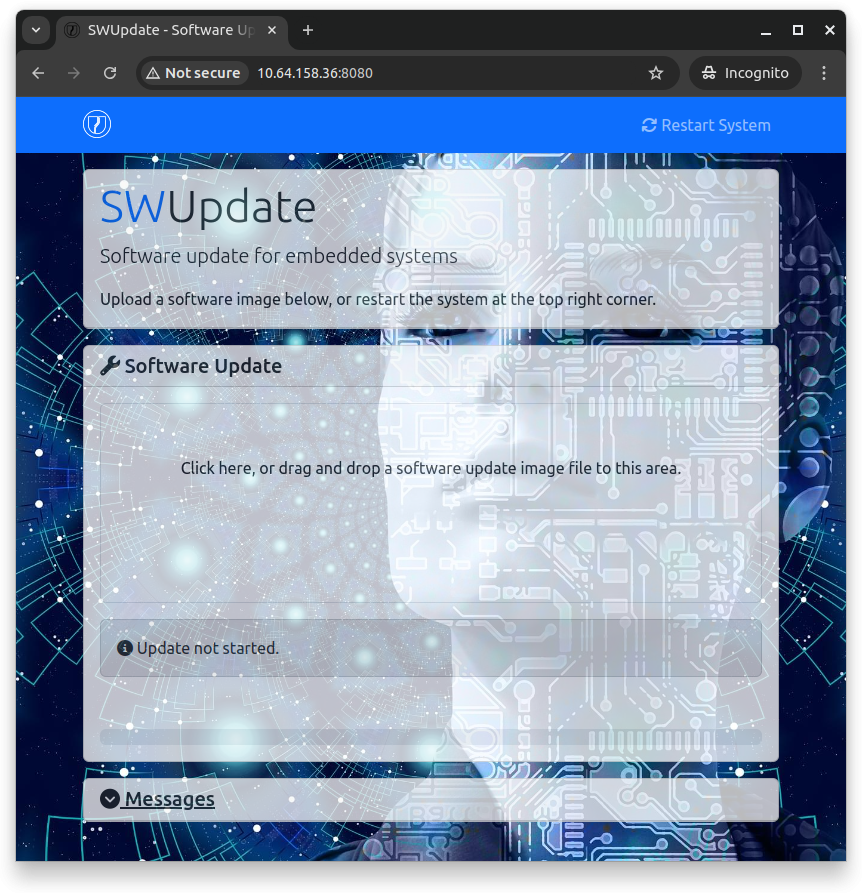
Web Server
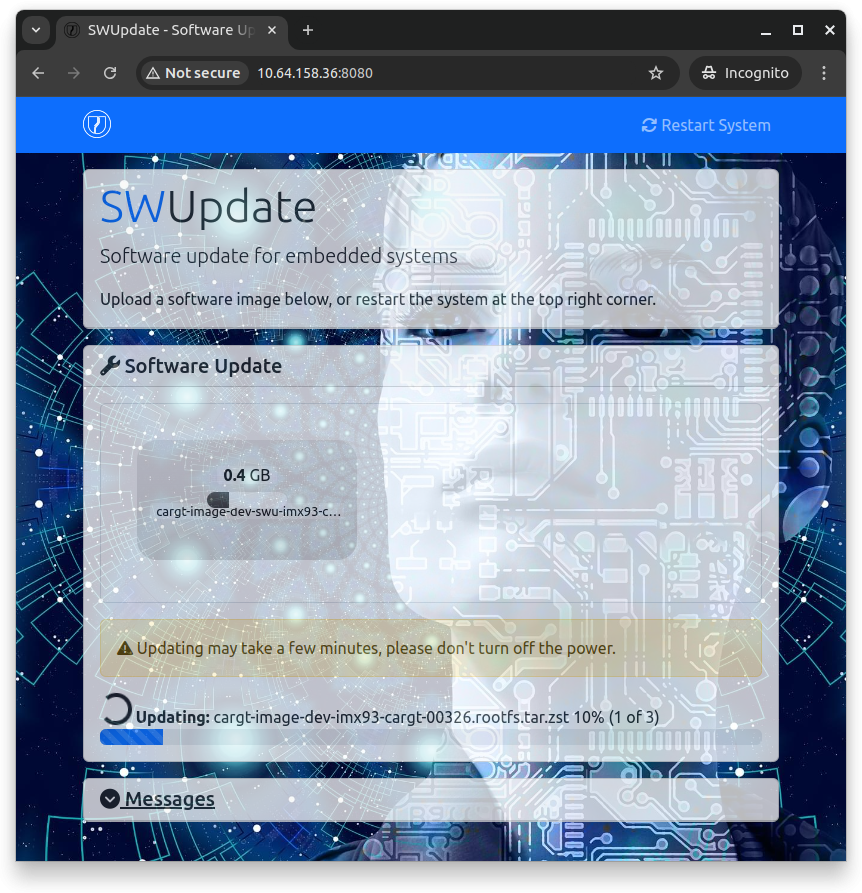
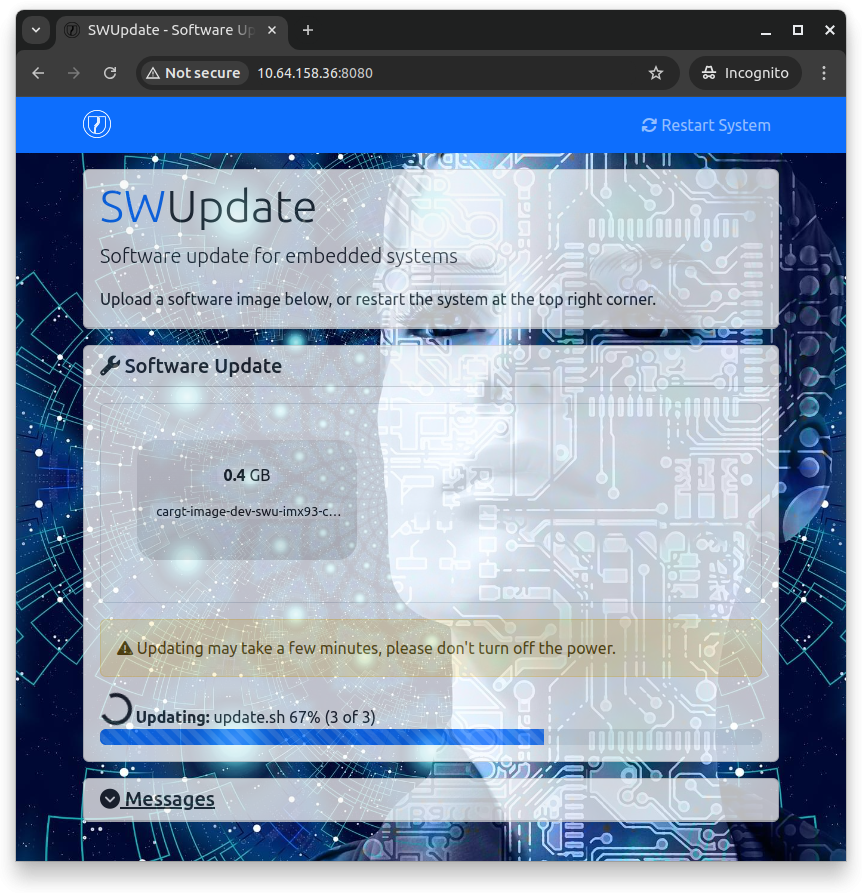
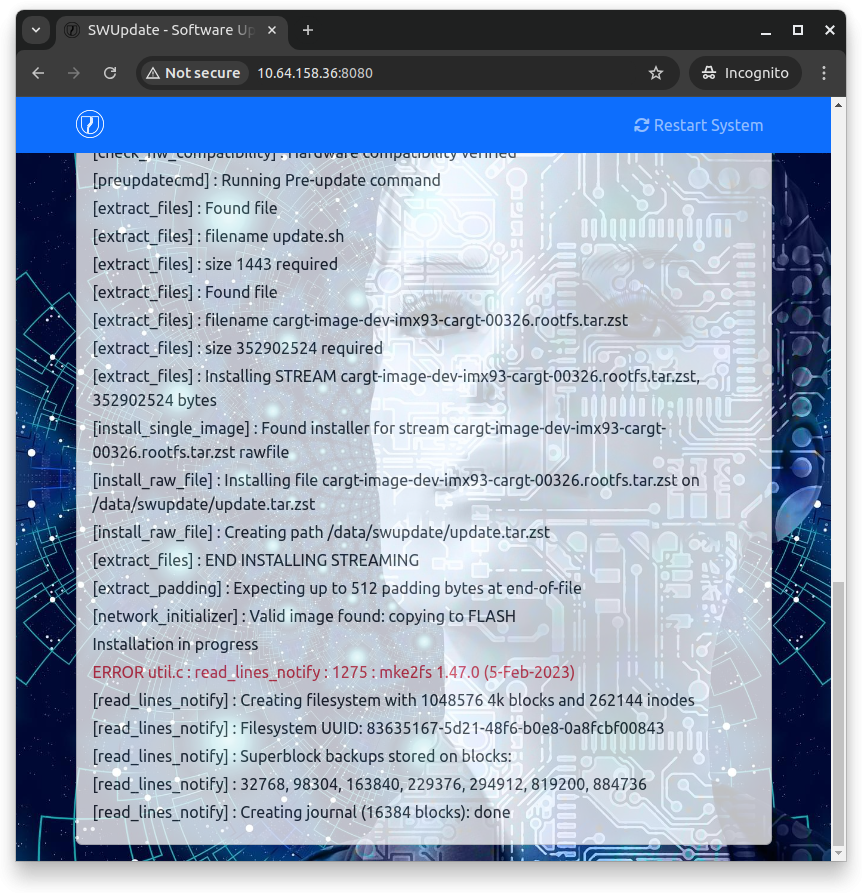
Cargt images include the SWUpdate web interface (swupdate-www). On a
connected host computer, open http://<target_ip>:8080/ in a web browser,
and drag the .swu file onto the page. When the update succeeds, the board
reboots into the new root file system by itself: swupdate-progress,
which Cargt images run as a service (swupdate-progress -r -w), reboots
it.
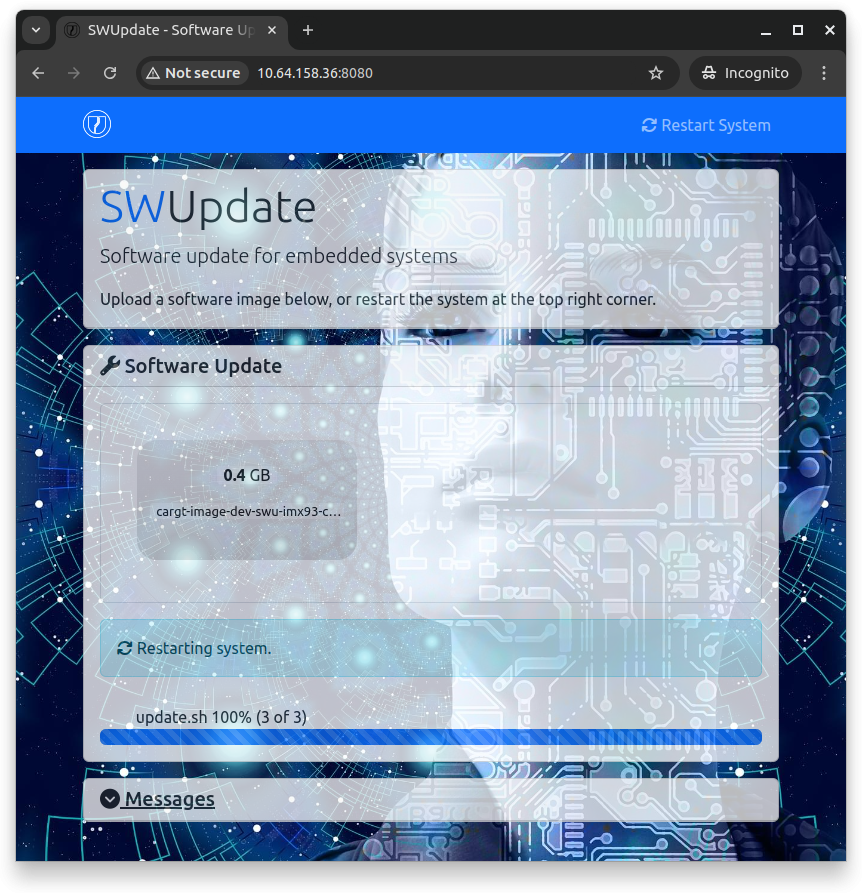
The swupdate service starts the web server at boot. To run it by hand,
for example on a different port, stop the service first:
systemctl stop swupdate.socket swupdate.service
swupdate -w "-r /www -p 8081"
USB Drive, microSD or Local File
Install a .swu file that is already on the board, for example on a USB
drive or microSD card (mounted under /run/media) or copied with scp.
This also works before networking is set up:
swupdate -v -i /run/media/<device>/cargt-image-dev-swu-<machine>.rootfs.swu
reboot
To install updates automatically when a USB drive is inserted, add the
swupdate-usb package to your image. It installs every .swu file in
the root directory of the drive.
Downloading from a Server or hawkBit
Cargt images build SWUpdate without its downloader (-d) and without
suricatta, its hawkBit client. To add them, put a configuration fragment
in a swupdate bbappend in your own layer, the same way
meta-imx-cargt adds cargt-swupdate-mods.cfg.
Warning
The swupdate.cfg that Cargt images install already has a
suricatta section with enable = true, pointing at a Cargt test
server. It does nothing while suricatta is not built in, but as soon as
you enable CONFIG_SURICATTA, the board starts polling that server.
Install your own swupdate.cfg from your layer, with a suricatta
section for your own hawkBit server (url, tenant, id and
your token), or with enable = false.
The configuration fragment:
CONFIG_CURL=y
CONFIG_DOWNLOAD=y
CONFIG_SURICATTA=y
With the downloader enabled, SWUpdate can download and install in one step:
swupdate -v -d "-u http://<host_ip>:8000/<update_file>.swu"
RAUC A/B Updates (STM32MP2)
STM32MP2 00395 designs use RAUC with a dual-bank (A/B) partition layout instead of SWUpdate. Updates install to the inactive bank, and a bank that fails to boot falls back to the previous one automatically. See RAUC A/B OTA Updates — STM32MP2 (00395-01-00365 / 00395-02-00365).